Overview
Live technical broadcasts, without the noise
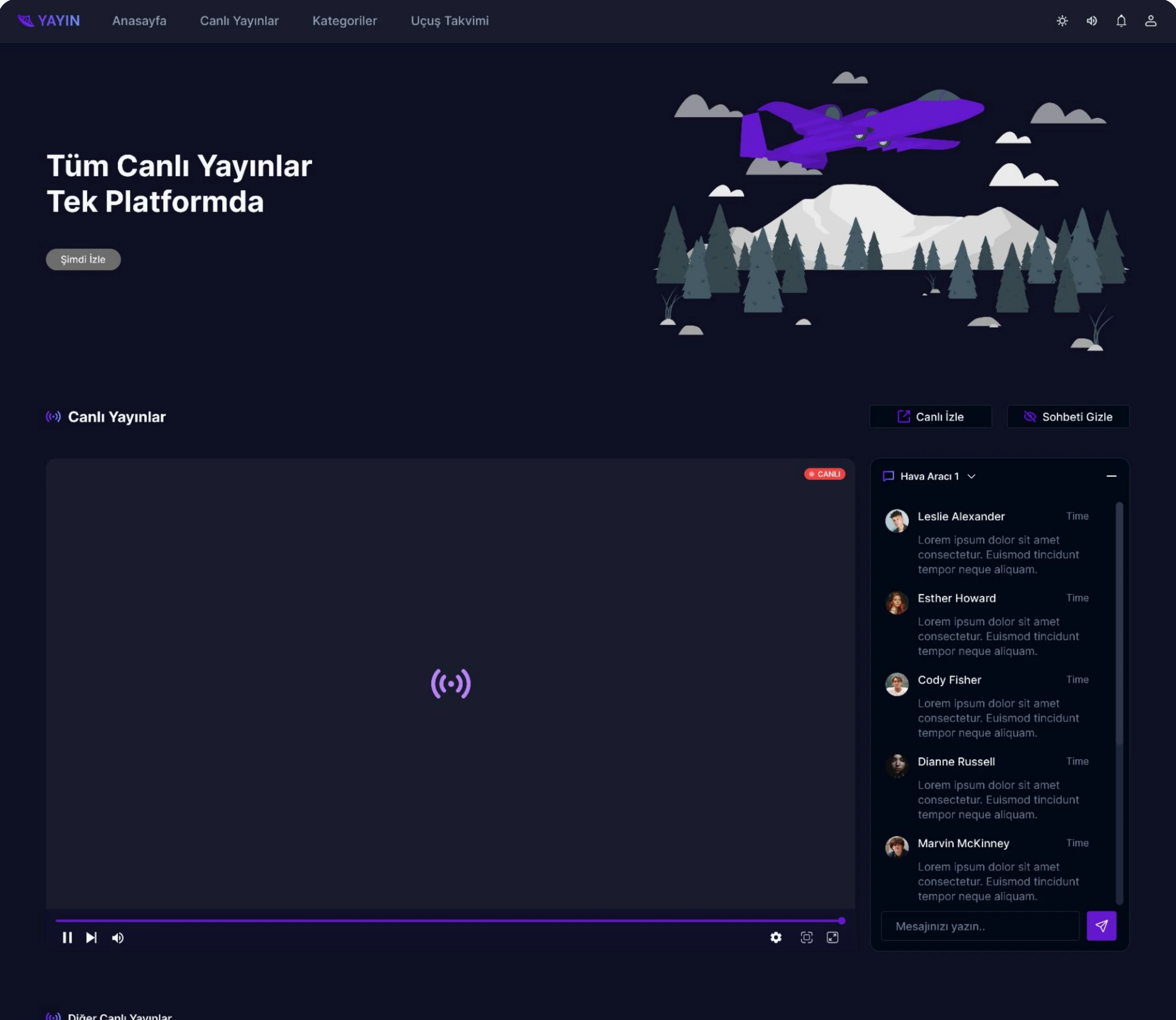
Teams in aviation and defence follow live flights and missions as they happen. Generic streaming platforms bury those streams under recommendations, social features and clutter. YAYIN shows only what is live right now, grouped under clear categories, with real-time chat beside the stream.
Approach
Designed by leaving things out
What's in
- Only currently active broadcasts, so everything on screen is live
- Clearly defined categories for each aircraft and for training
- Built-in chat for real-time discussion during a stream
- A flight schedule with reminders for upcoming broadcasts
What's deliberately out
- Search, sharing and following
- Recommendations and social feeds
- Anything that pulls attention away from the live content
Live & chat
The stream comes first
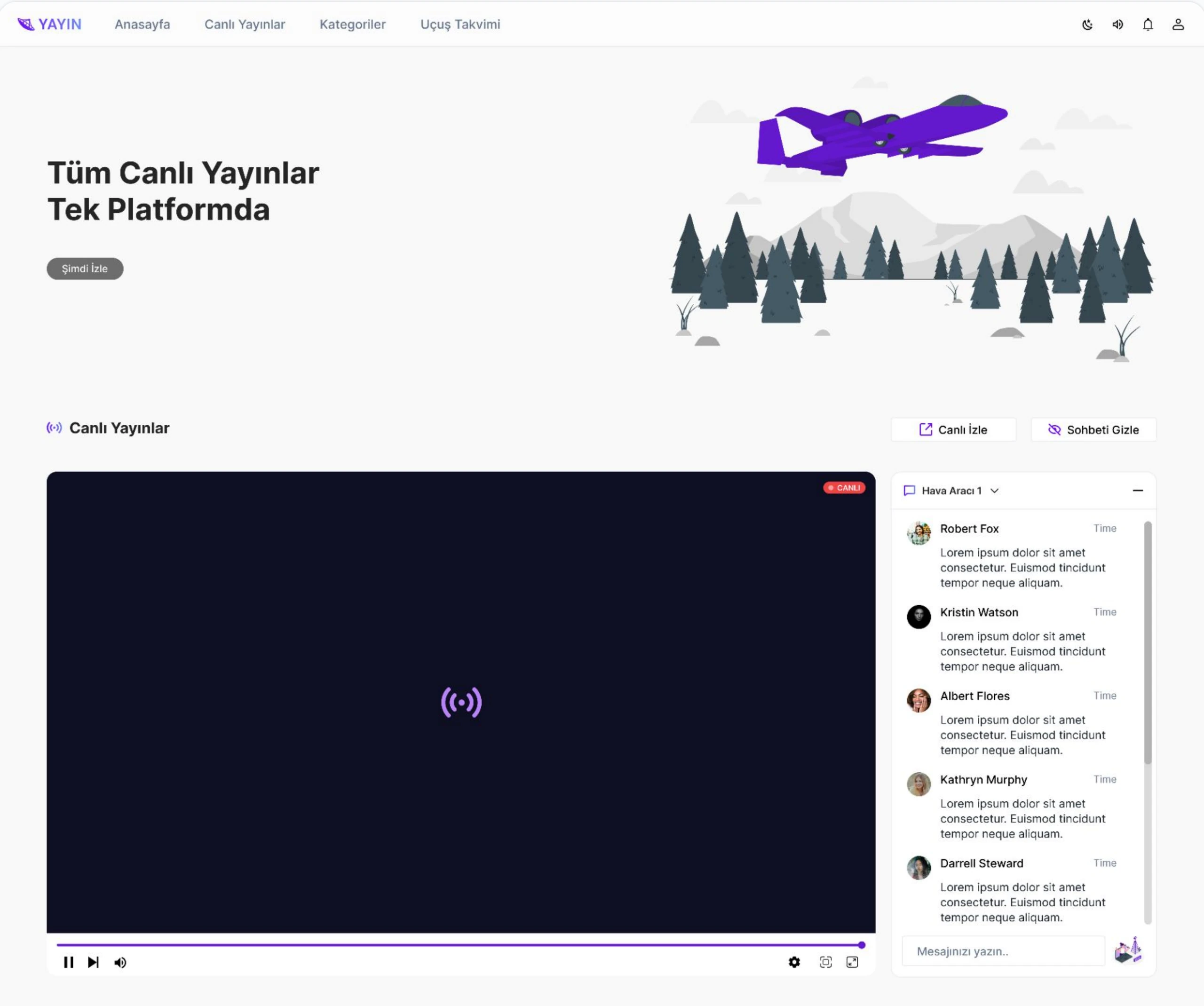
The player takes most of the screen, with a live badge and simple controls. Chat sits beside it and can be hidden in one click, and the active stream can open on its own page.
Browse
Other live streams and categories
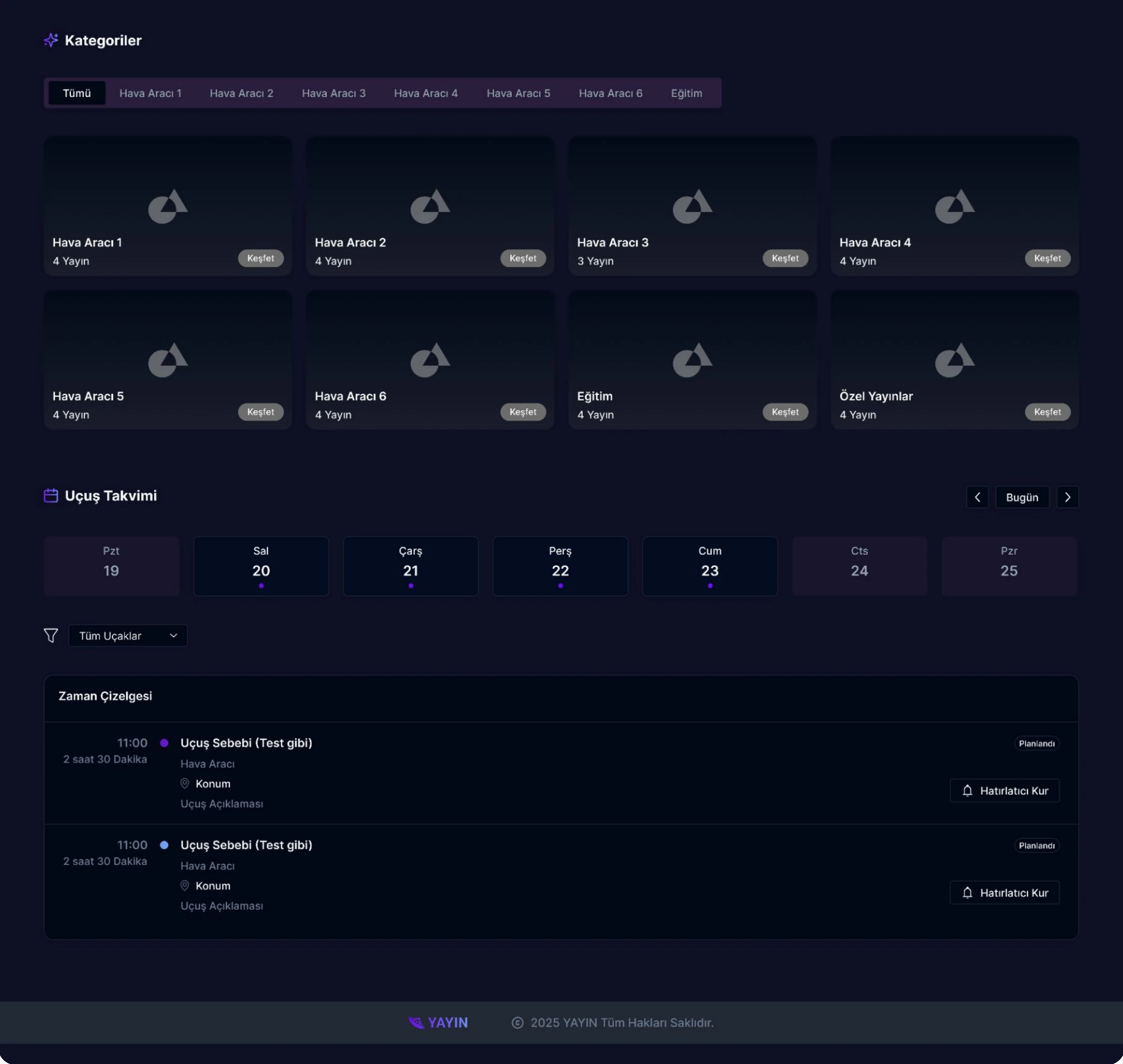
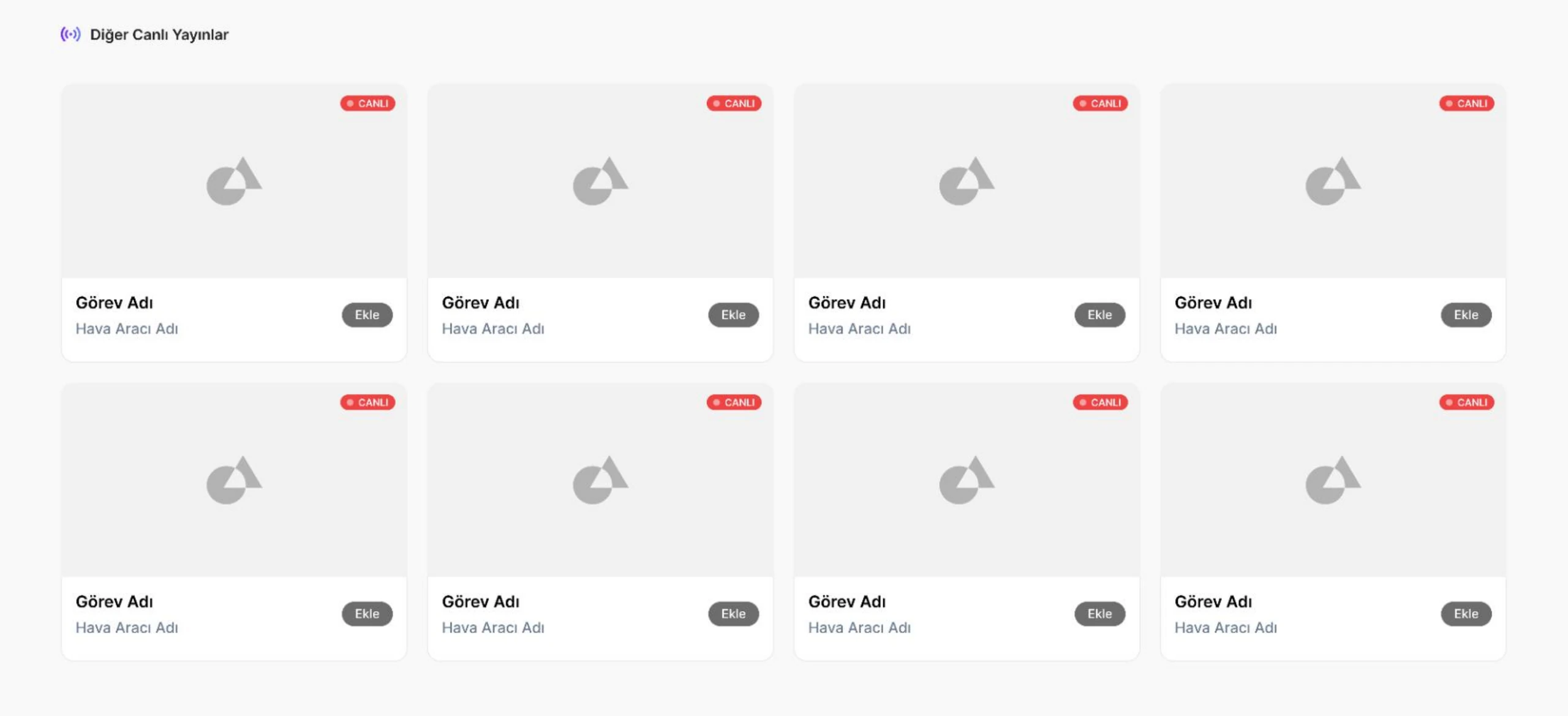
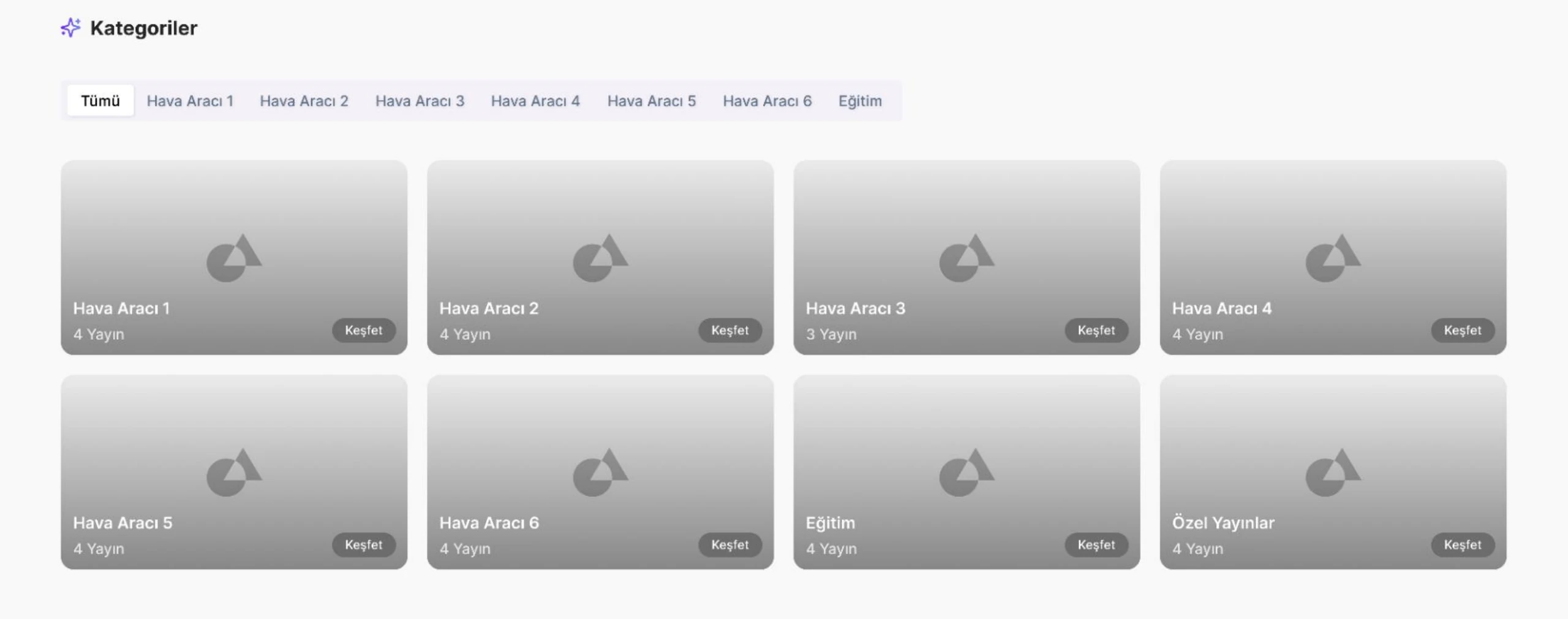
Below the main player, other live missions sit in a simple grid. Categories group streams by aircraft and training, each showing how many broadcasts are live.
Flight schedule
Know what's coming next
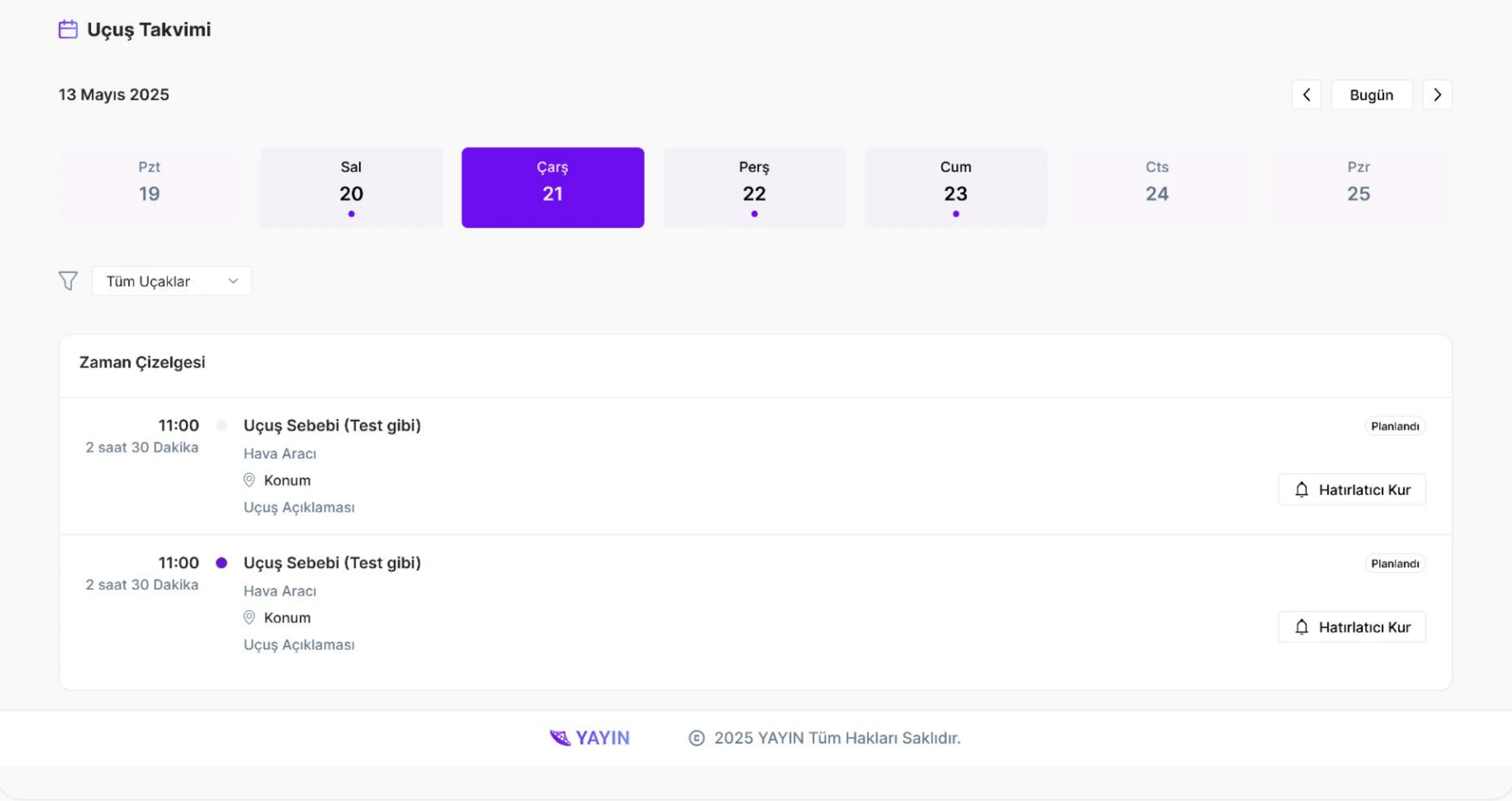
A week view highlights days with planned flights. The timeline lists each one with time, duration, aircraft and location, and users can set a reminder before it goes live.
Dark mode
Built for long viewing sessions
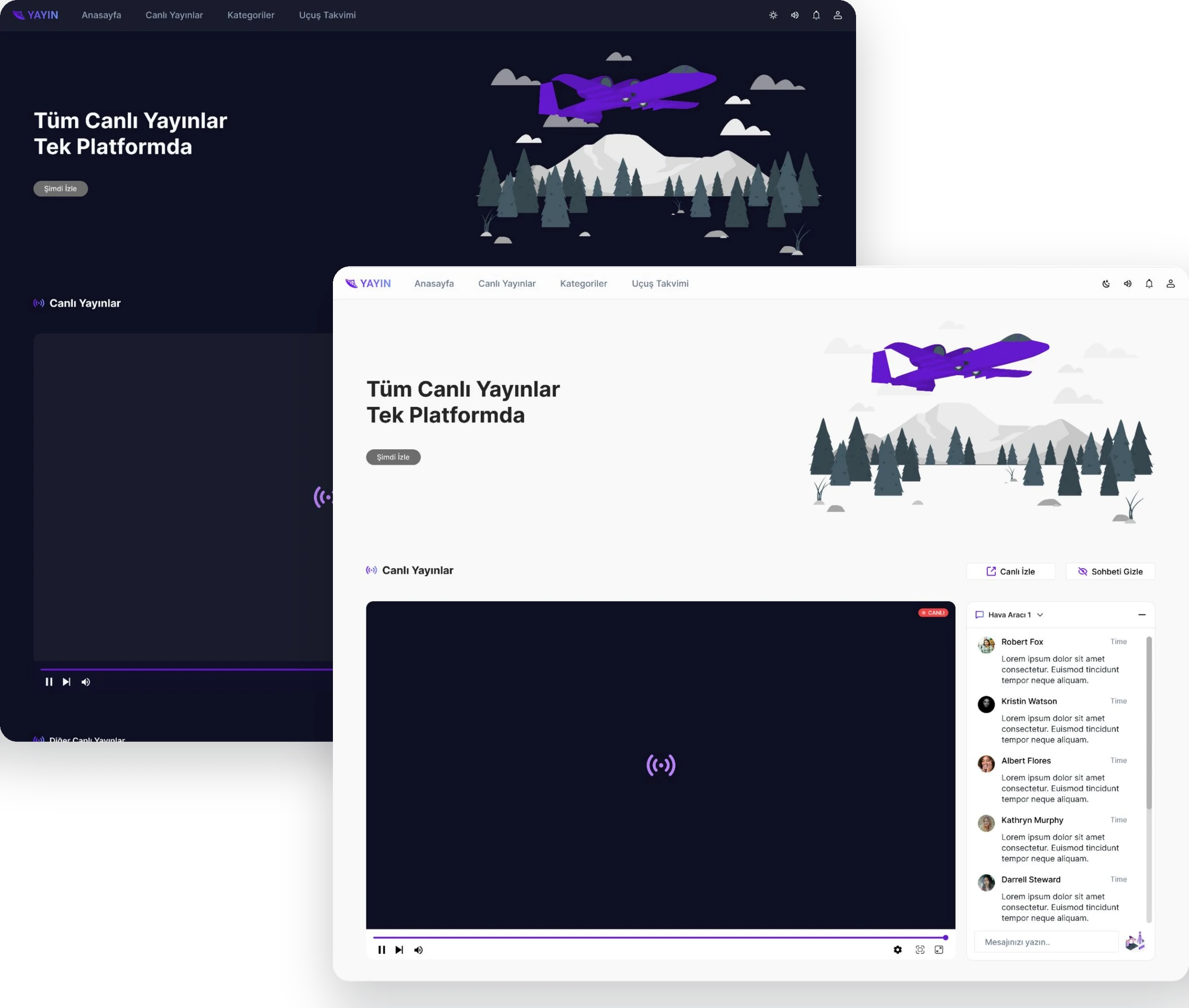
A full dark theme keeps the focus on video and reduces eye strain during long broadcasts, with the same violet accent carrying through both themes.